Plan less.
Ship more.
ShipLean is a free, open-source planning tool you host yourself. Rank the backlog, run a Kanban board, plan sprints against what the team can really do and work the sprint on a live taskboard, with a forecast that tells you what fits before anyone asks.
Planning should take minutes, not meetings.
Most planning tools grew into everything for everyone. ShipLean does backlogs, boards and sprints well, keeps every screen quiet and dense, and leaves the rest of the day for building.
One ranked backlog
Every sprint is the same backlog order filtered by sprint, so rank means the same thing everywhere. Drag a story into a sprint to plan it; drag it out to unplan it.
A forecast you can trust
Velocity comes from what the team actually finished. ShipLean fills each future sprint's free room first, then shows where the rest of the backlog lands.
Work is pulled, not pushed
Capacity is planned for the team as a whole, never person by person. Pick up a task and it's yours; move it to In Progress and it says who's on it.
Eight screens, one backlog.
The backlog, the board, the sprint and the taskboard are all views over the same work items, so nothing is ever copied between them.
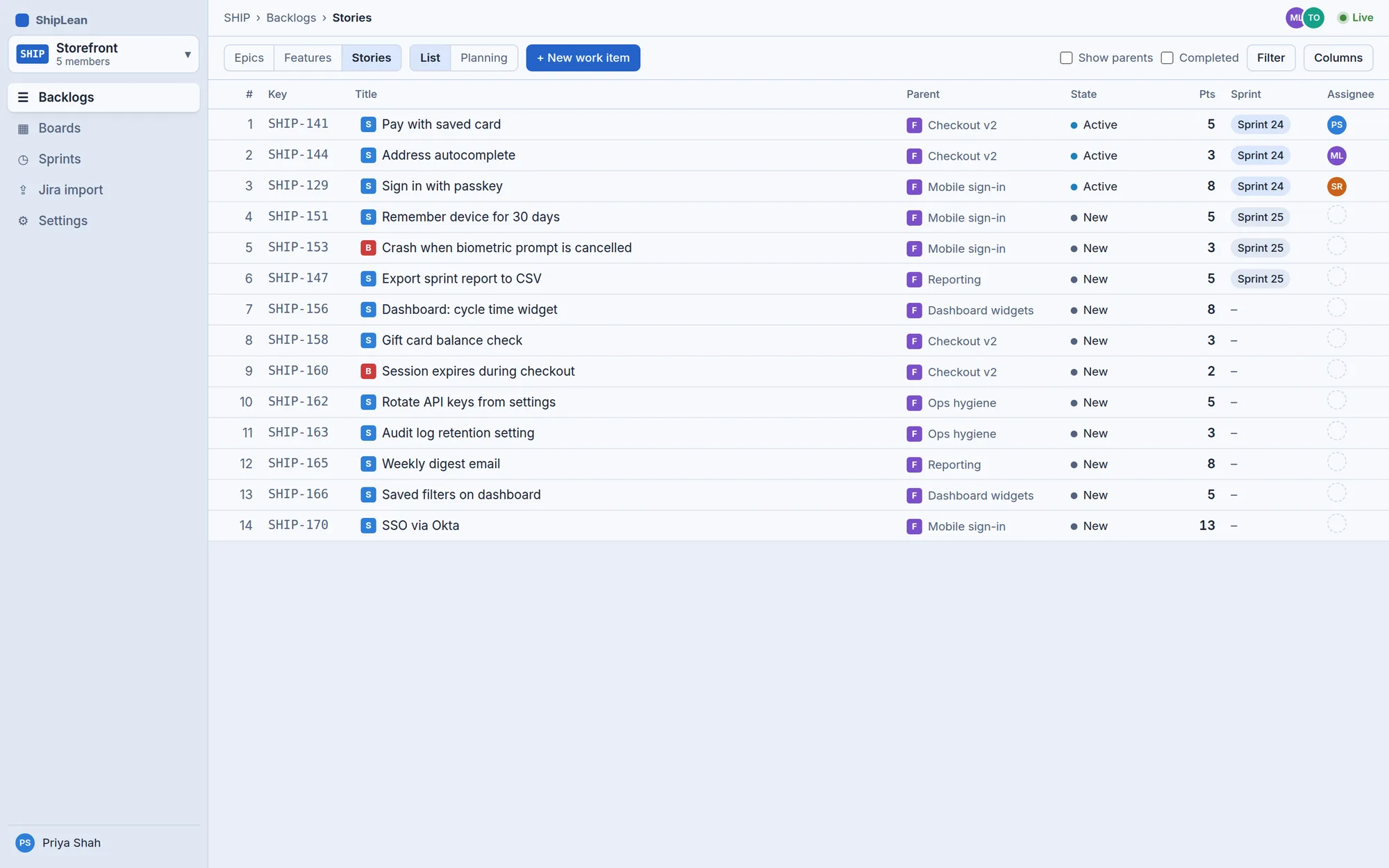
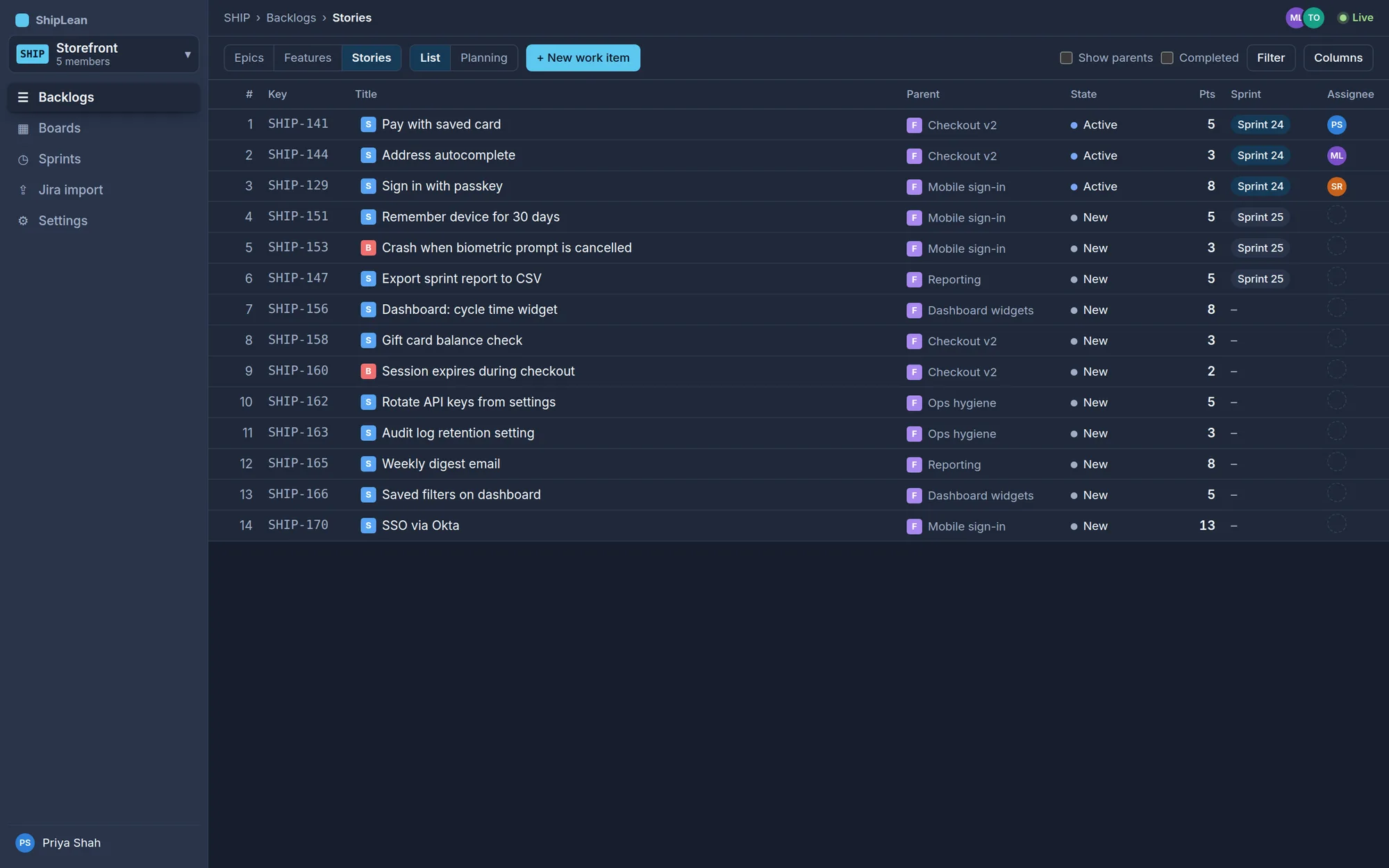
Rank the backlog, top to bottom
One ordered list per level, Epics, Features or Stories, with the sprint each item is in.
- New work goes in at the top
- Show parents to work by Feature
- A Criteria filter and your own columns
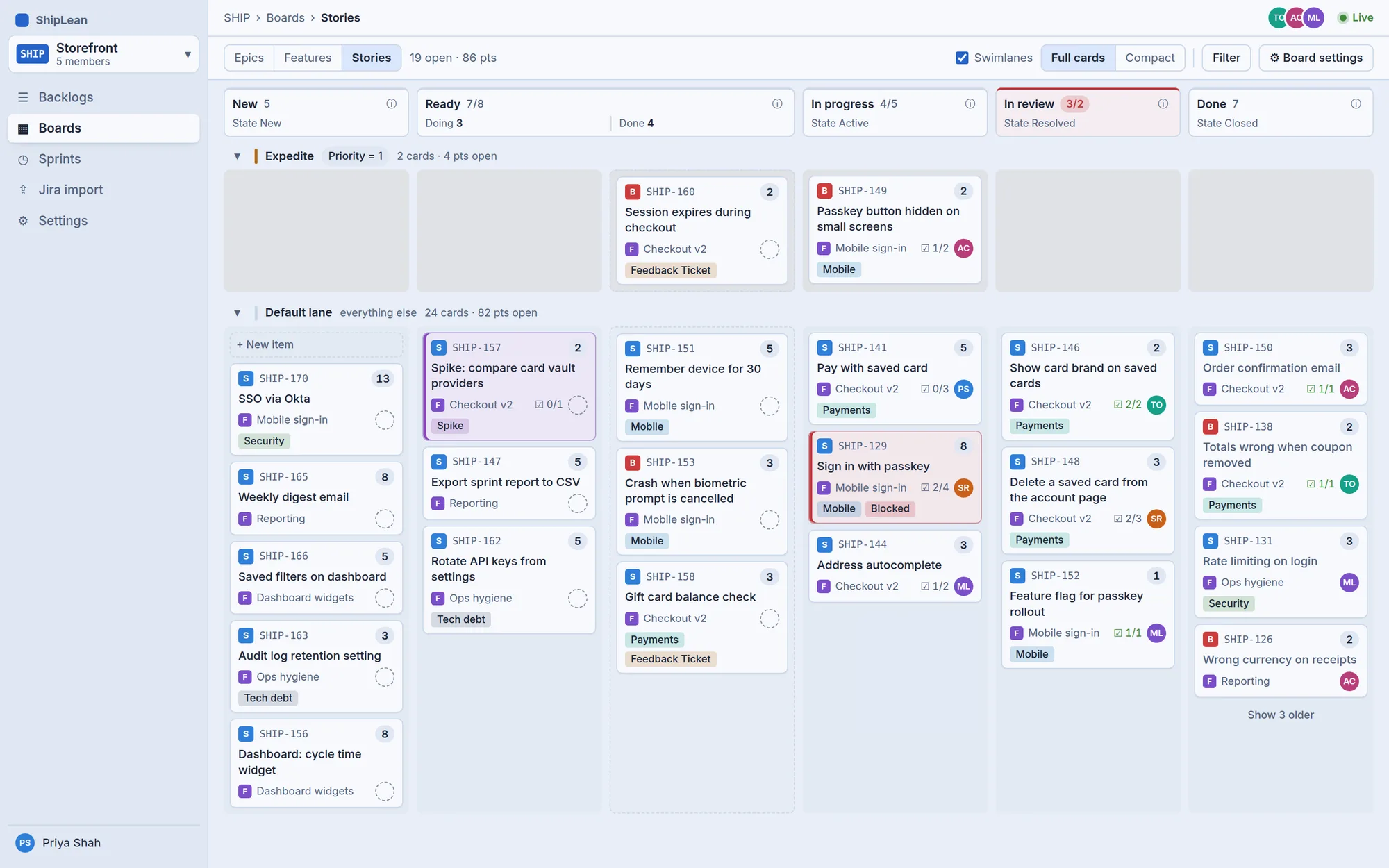
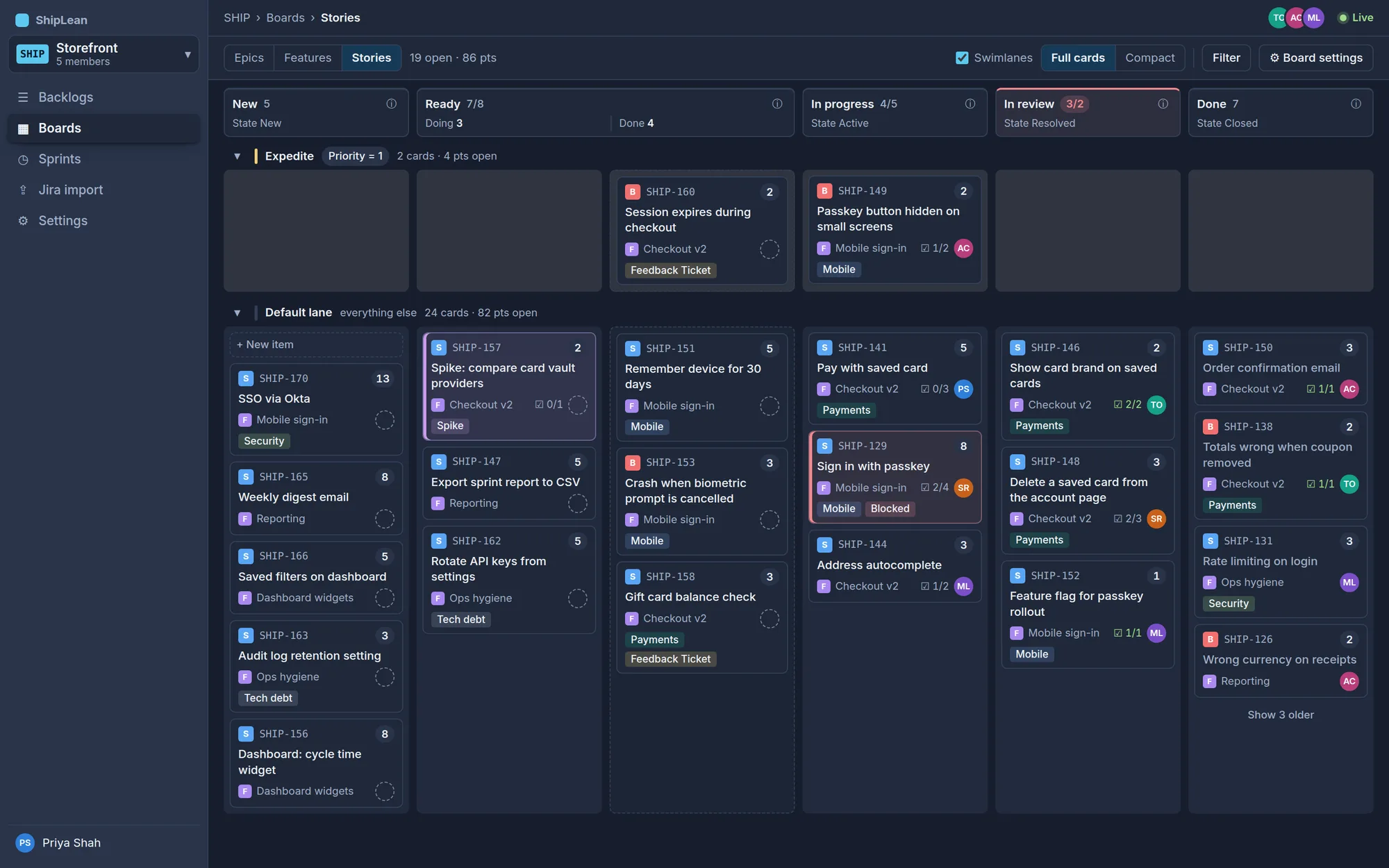
A Kanban board that fits your process
Columns map to states for each type, so one board holds stories and bugs that move differently.
- WIP limits that warn without blocking
- Split columns and a definition of done
- Swimlanes and card style rules
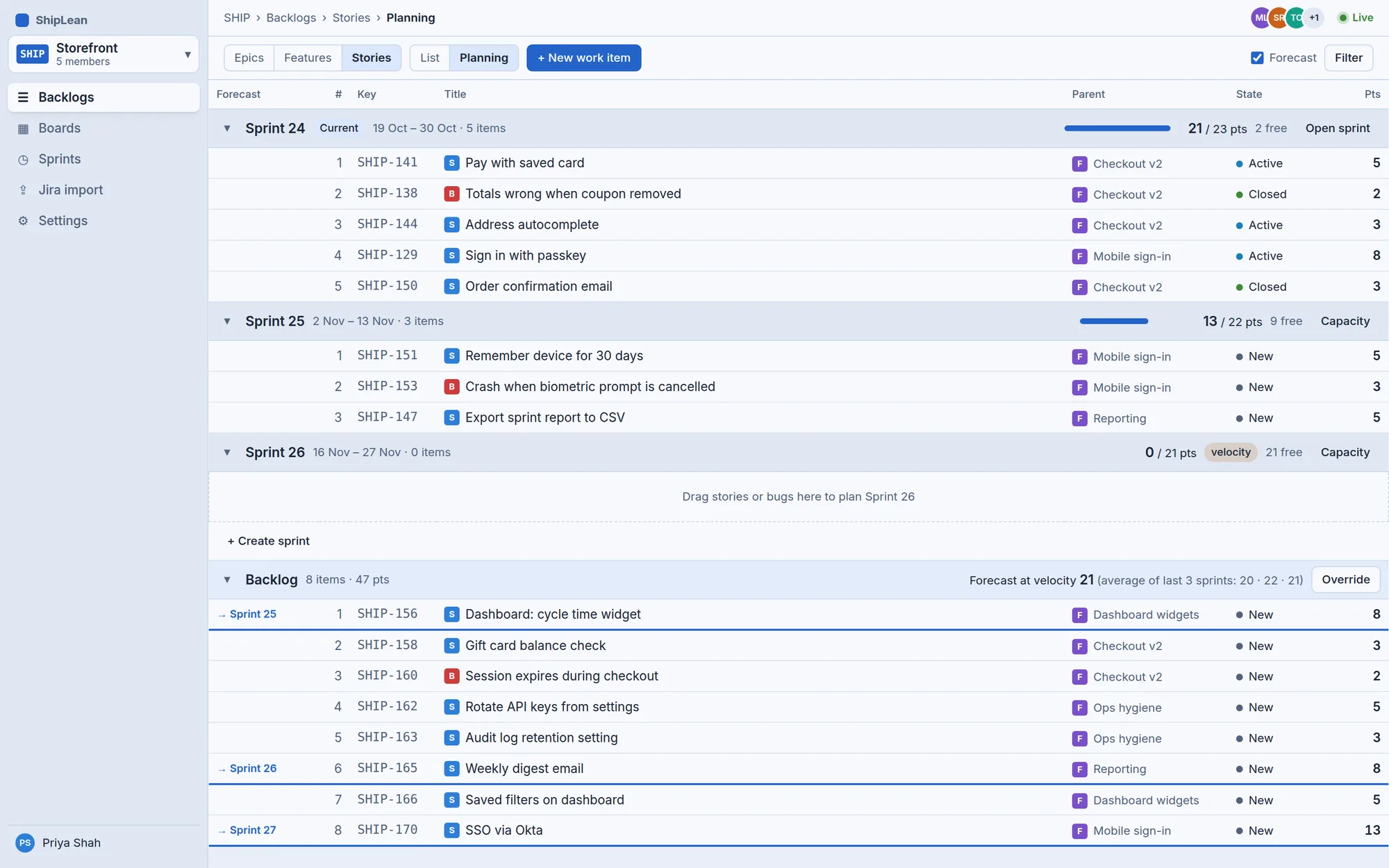
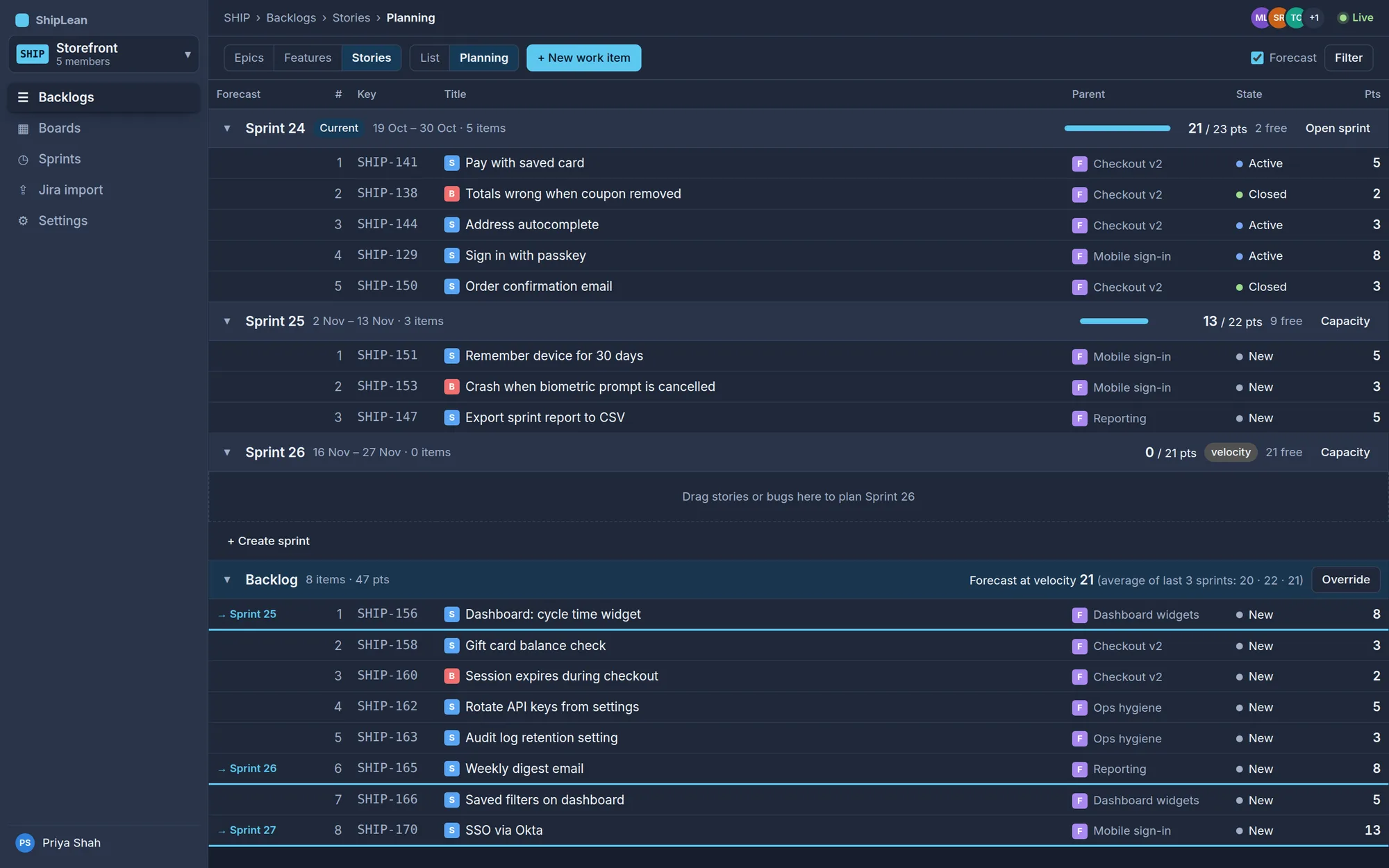
Plan the next few sprints in one list
The current sprint, the future sprints and the backlog, stacked in one ranked list.
- Drag between sprints, or Alt+↑/↓ from the keyboard
- Committed against team capacity on every sprint
- A forecast line for each sprint the backlog reaches
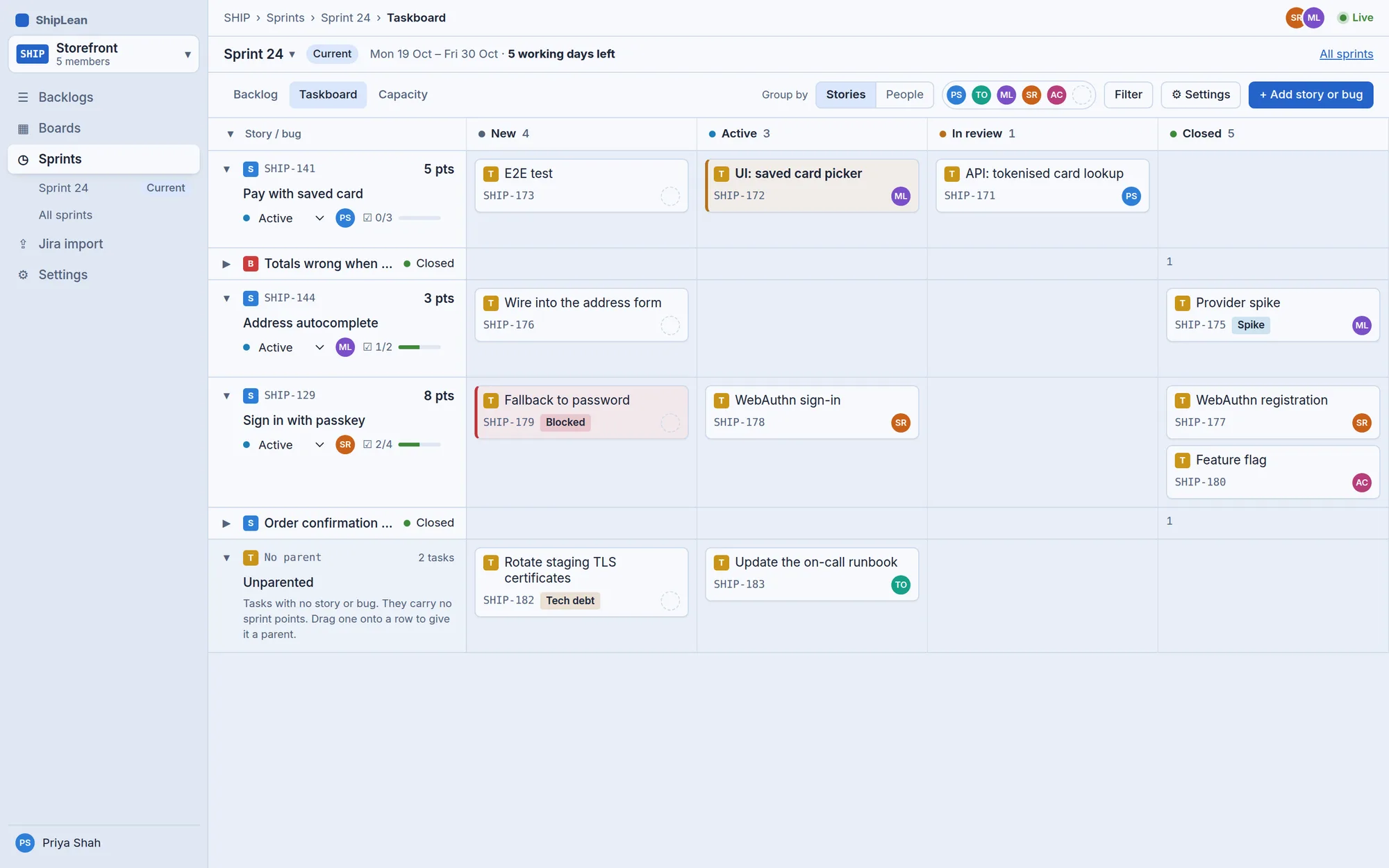
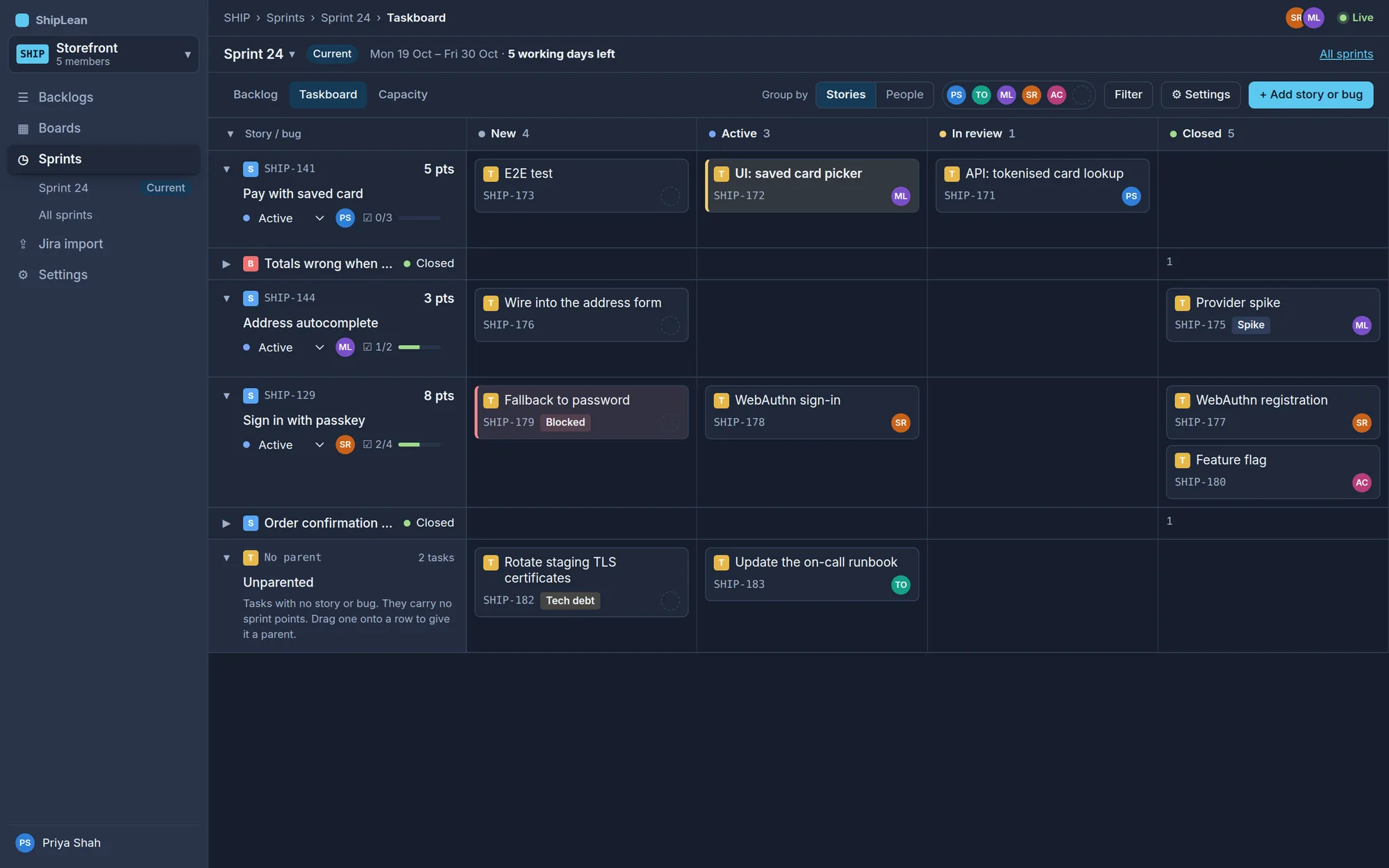
Run the sprint on a live taskboard
One row per story or bug, one column per task state, updated as the team works.
- Group by stories or by people
- Pick up a task in one click
- Finished stories fold down to a single line
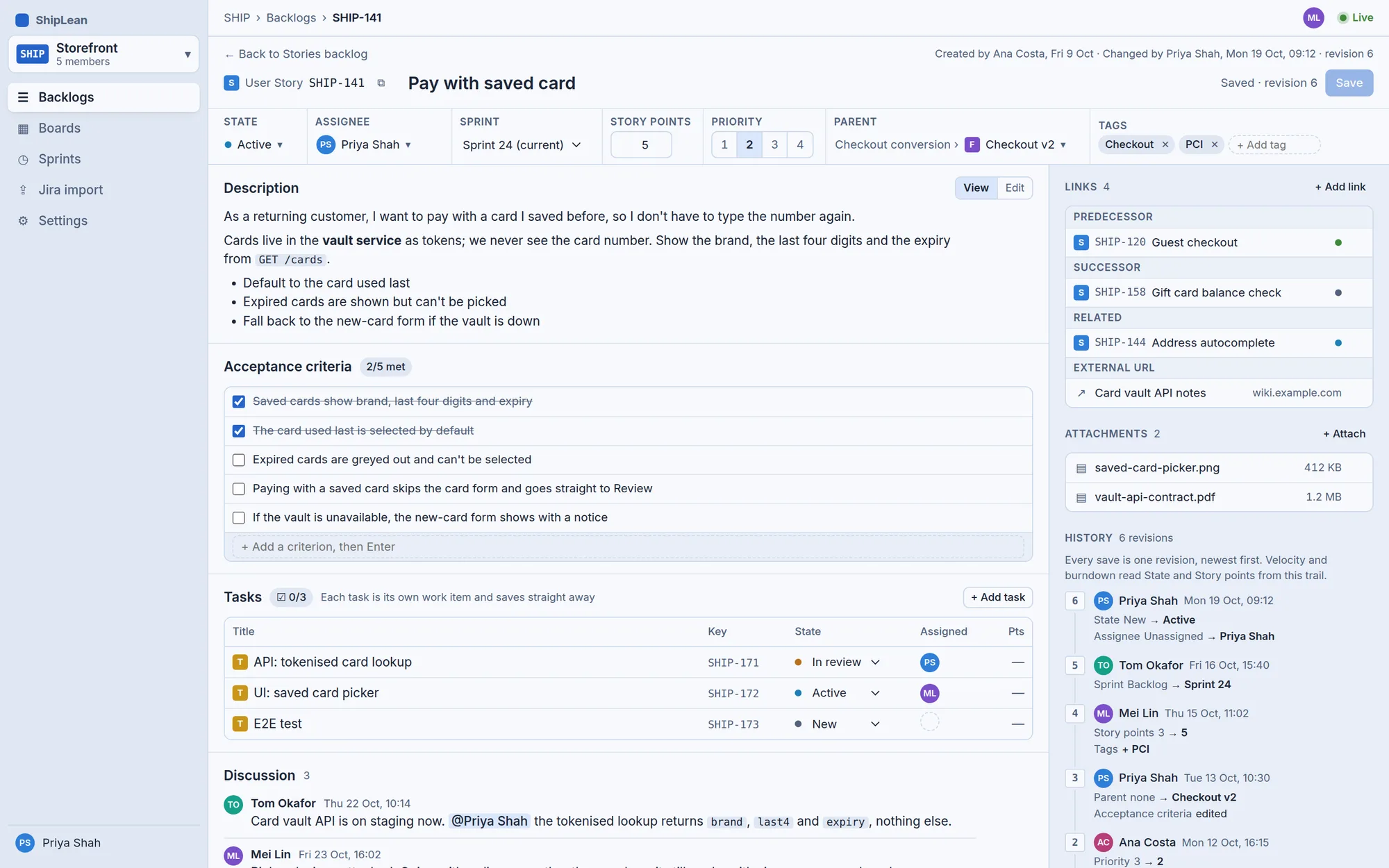
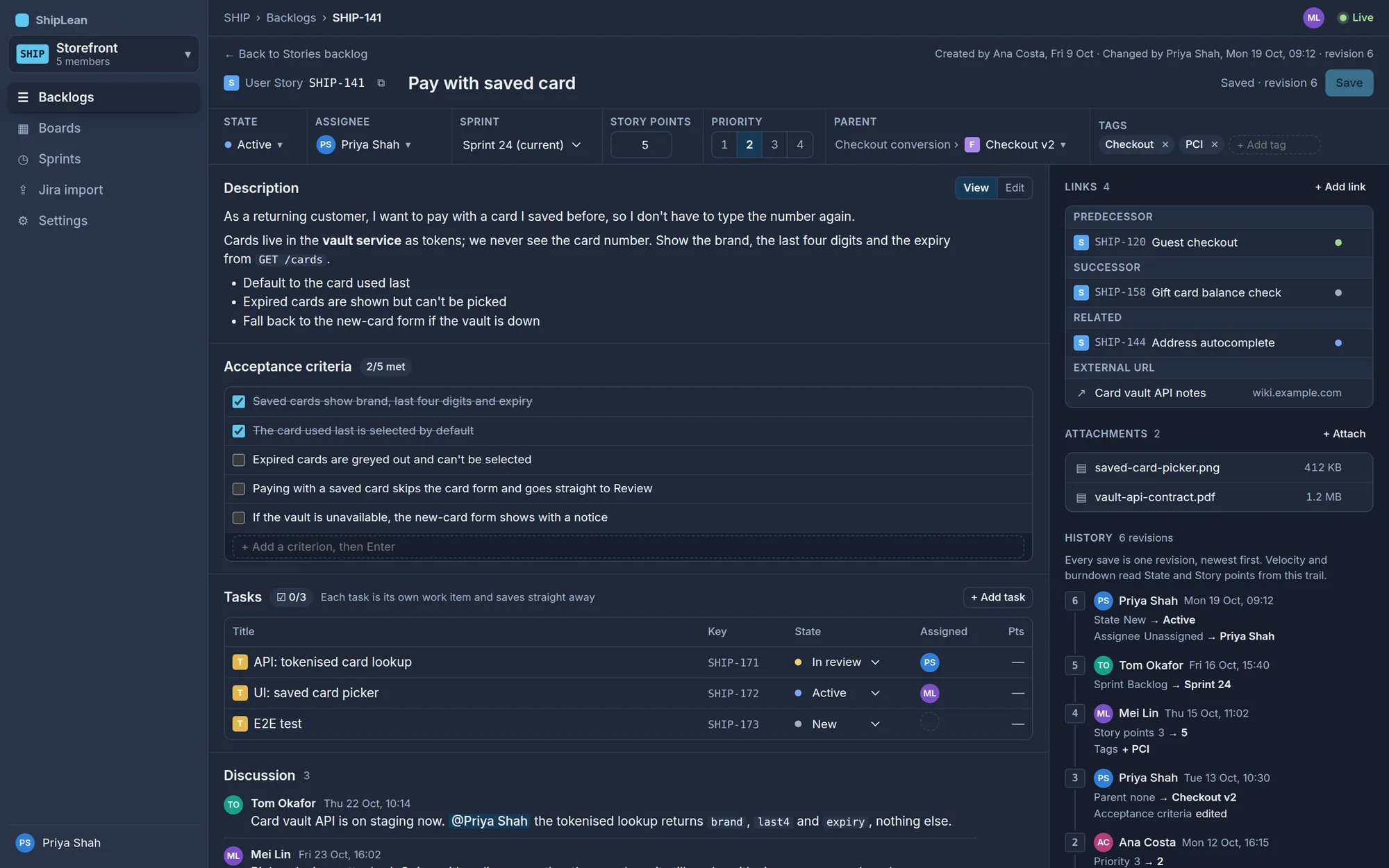
Everything about one story on one page
Description, acceptance criteria, tasks, discussion, links and the full history of every change.
- Acceptance criteria as a checklist
- Tasks and comments save straight away
- If someone saved first, see what they changed
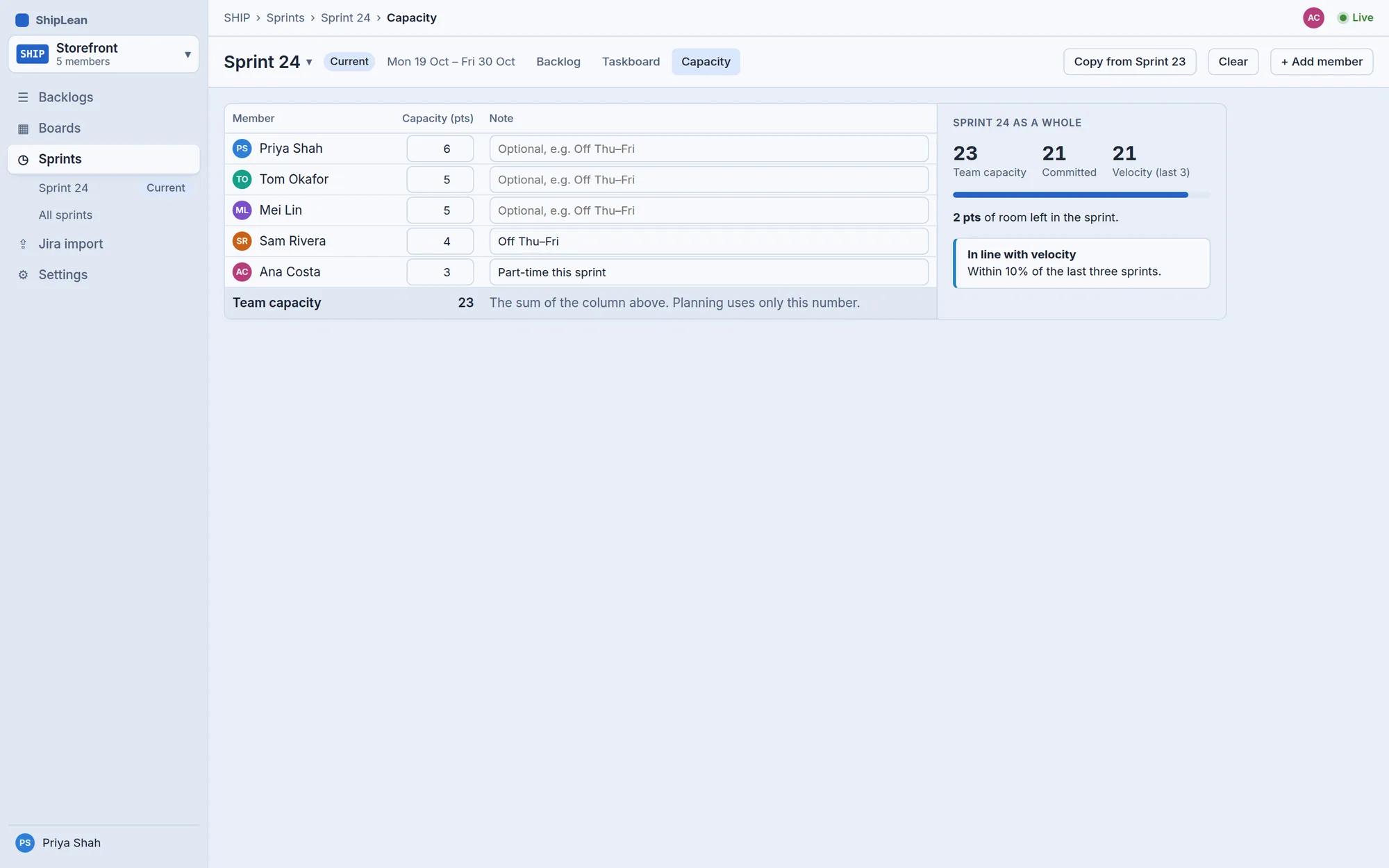
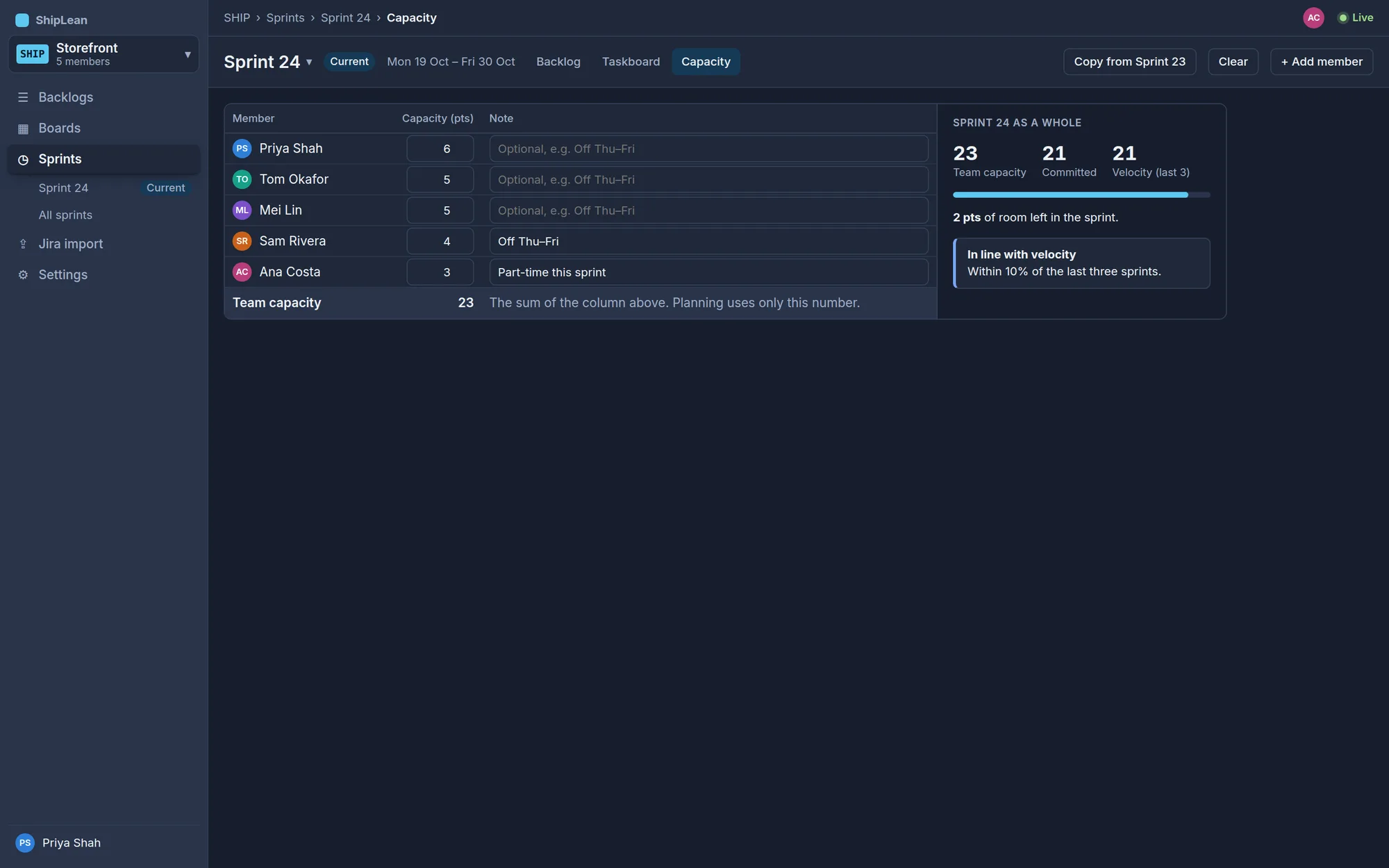
Capacity for the team, not a timesheet
Each person enters their own points. Only the team total is compared with the sprint.
- A note for the low weeks, like Off Thu–Fri
- A sense check against velocity
- Copy last sprint's numbers in one click
Velocity from what really happened
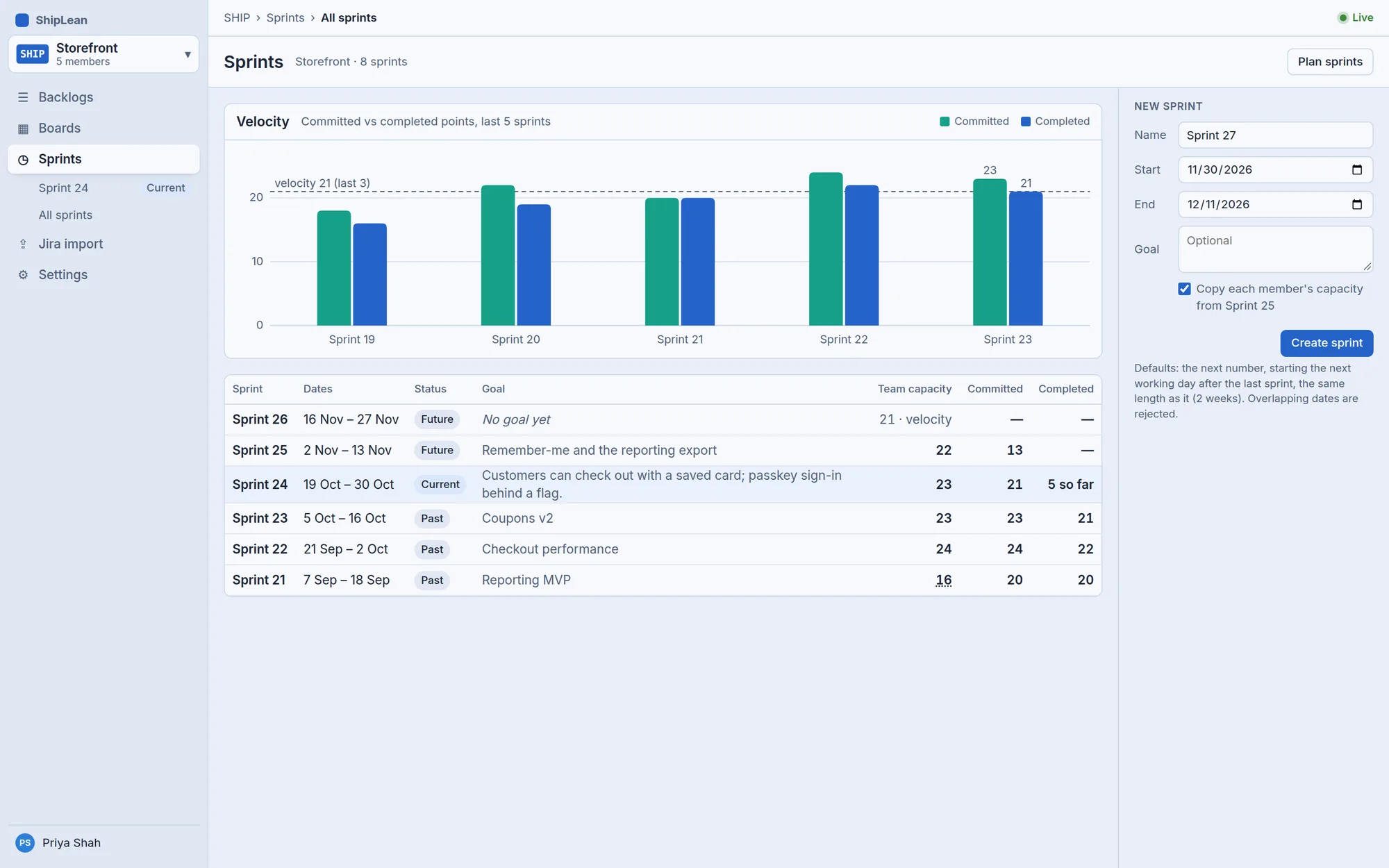
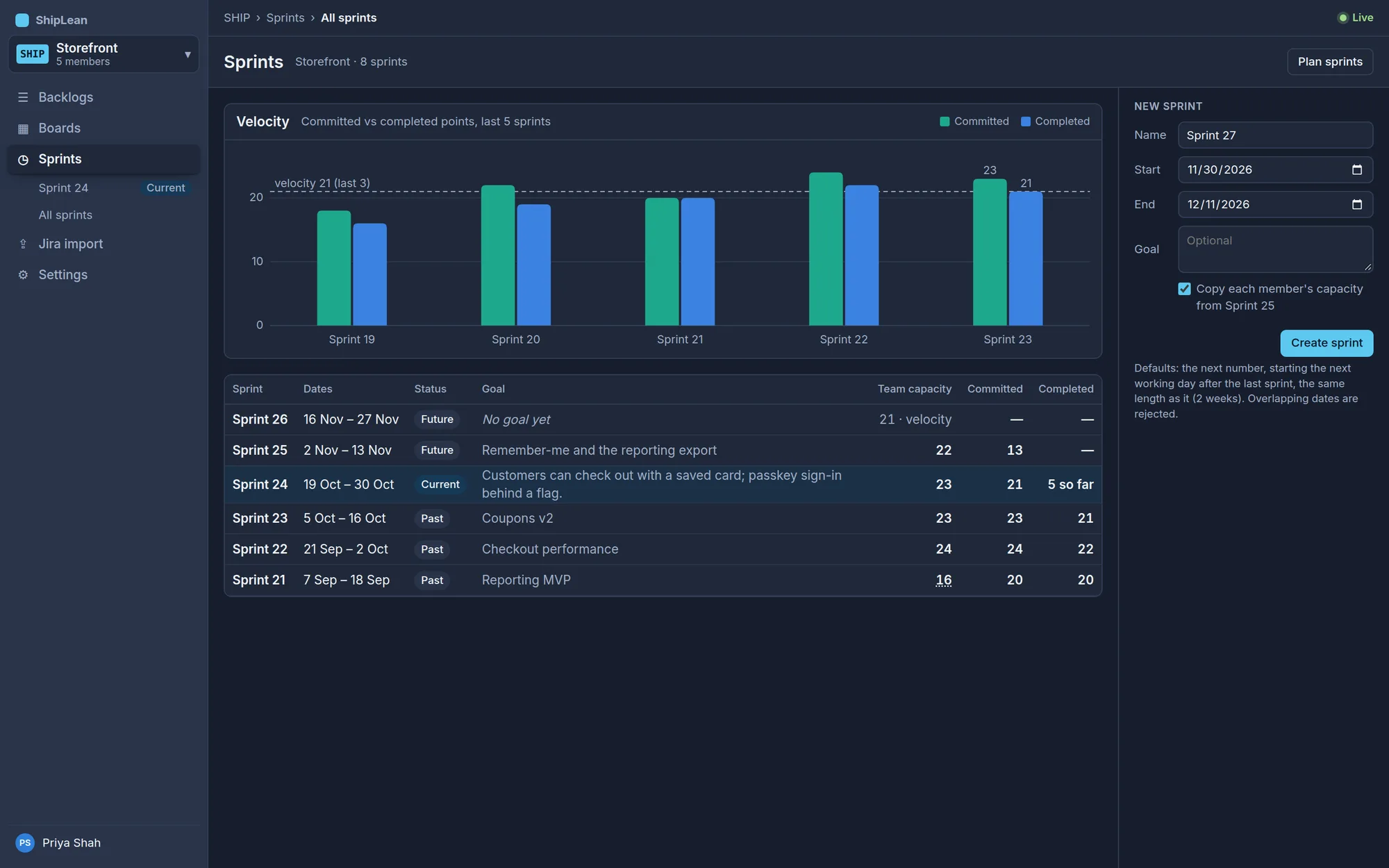
Every sprint with its goal, capacity, committed and completed points, newest first.
- Committed vs completed for the last five sprints
- A new sprint with sensible defaults
- Overlapping dates caught before they're saved
States that match how you work
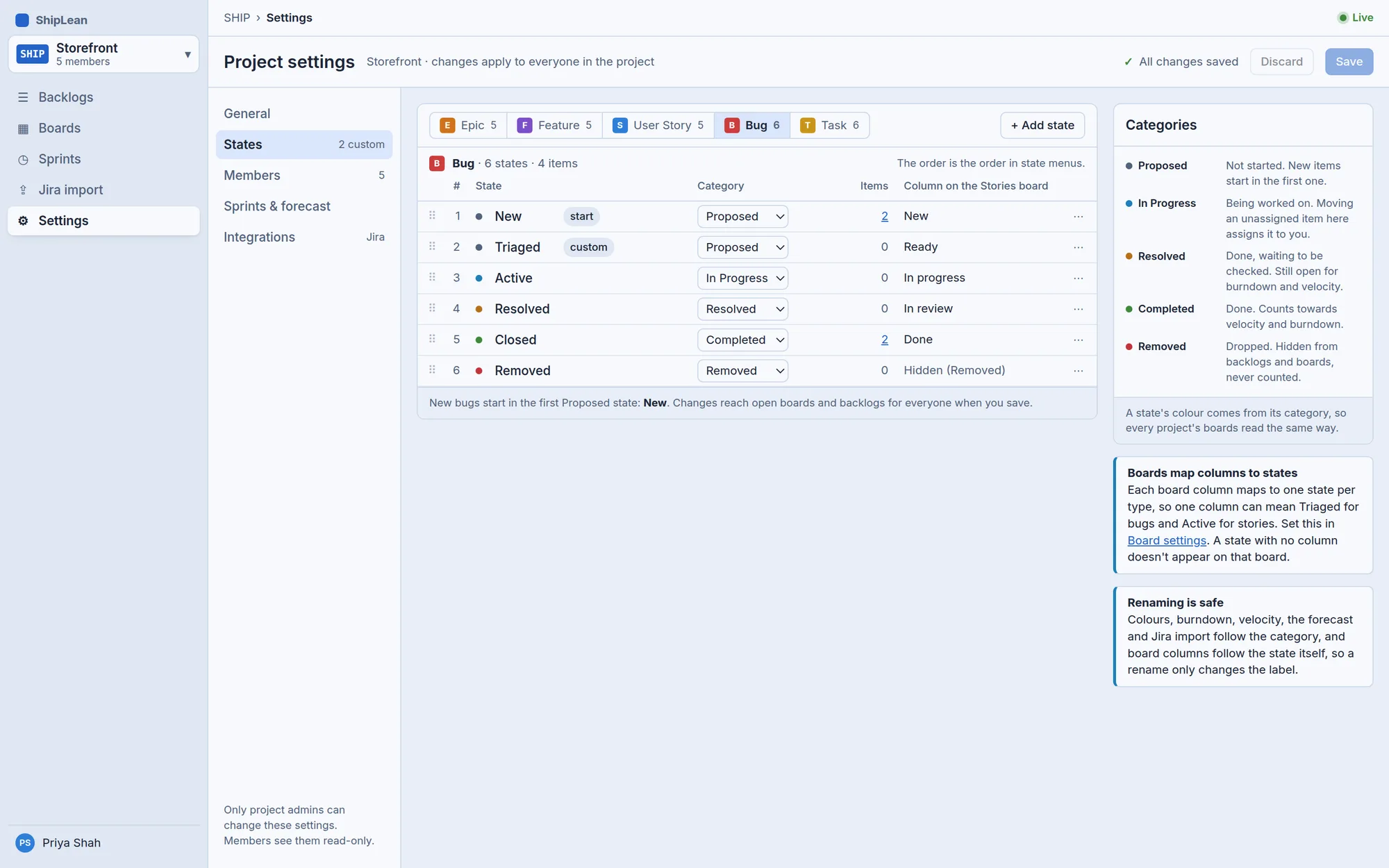
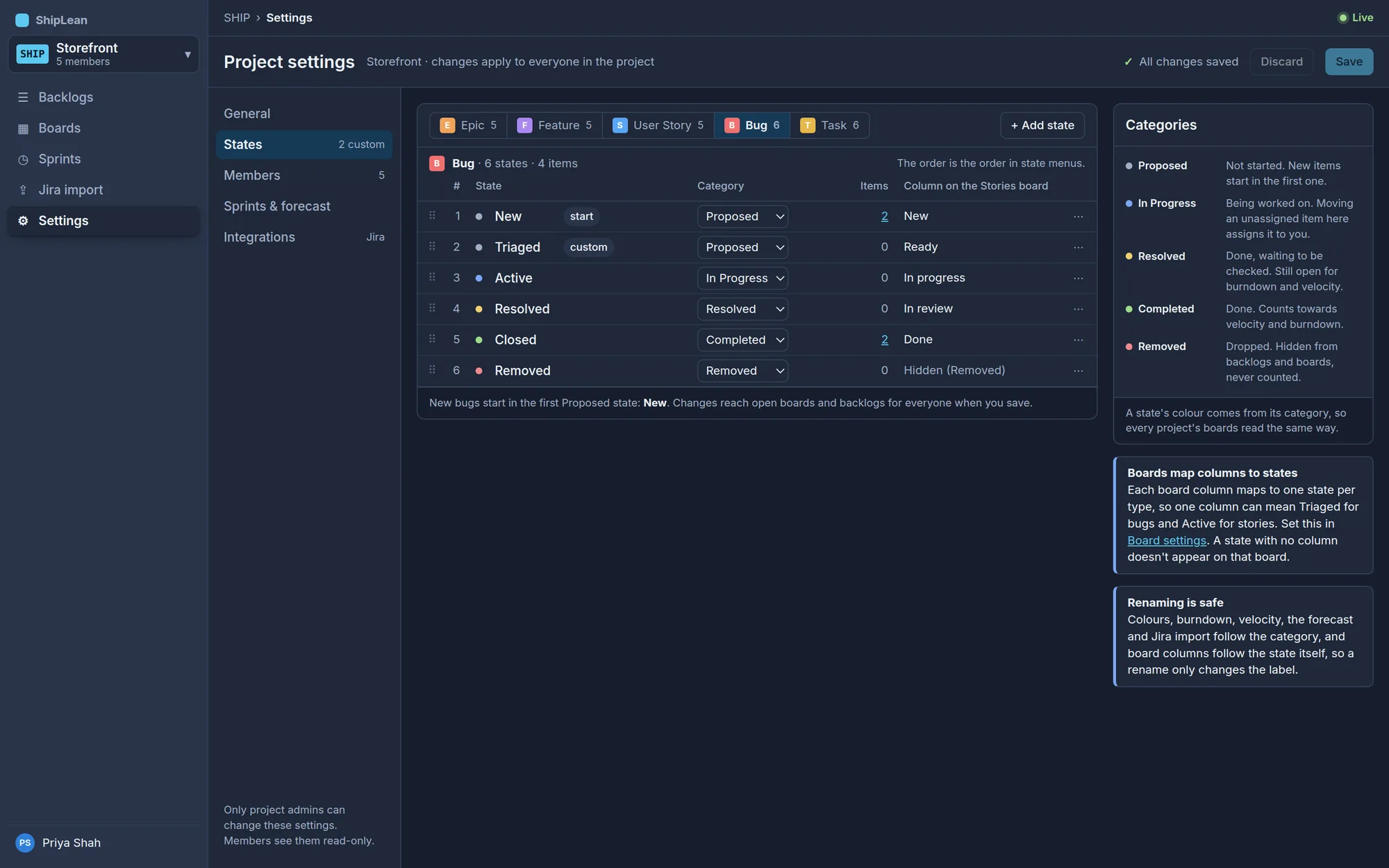
Rename, add and reorder the states of each type. Colours and totals follow the category, so a rename never breaks a report.
- Custom states per type, like Triaged or In review
- A project key that never changes
- Members, working days and the velocity window
Know what fits before you promise it.
ShipLean fills the room left in each planned sprint, then plans the rest of the backlog at your real velocity. A line under the last story that fits shows where each sprint ends, and it moves the moment someone re-ranks.
Columns aren't states.
Each column maps to a state for each type, so Ready can mean New for a story and Triaged for a bug. Set WIP limits, split a column into Doing and Done, write its definition of done, and add an Expedite lane for Priority 1. Drag an unassigned card into an In Progress column and it's yours.
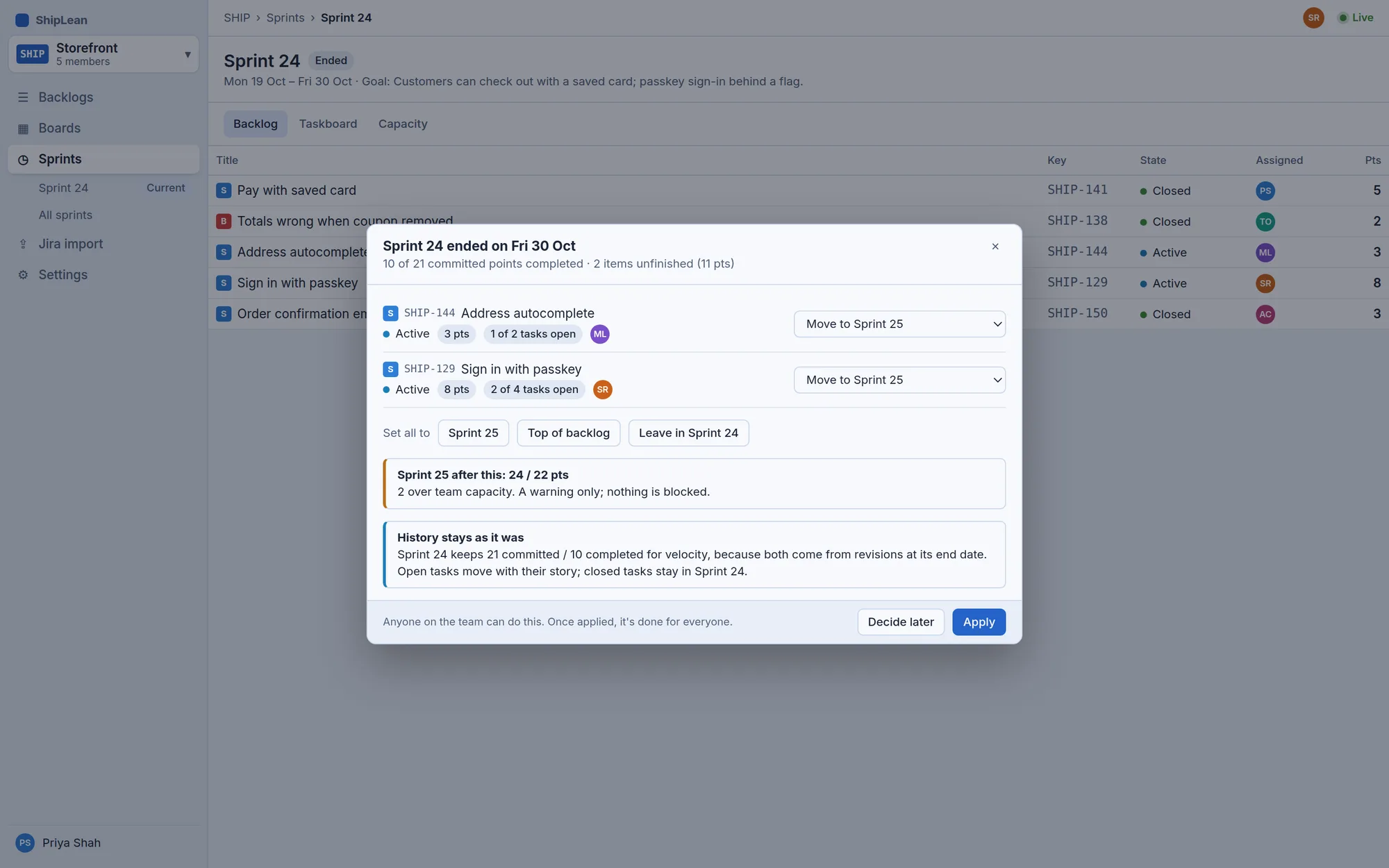
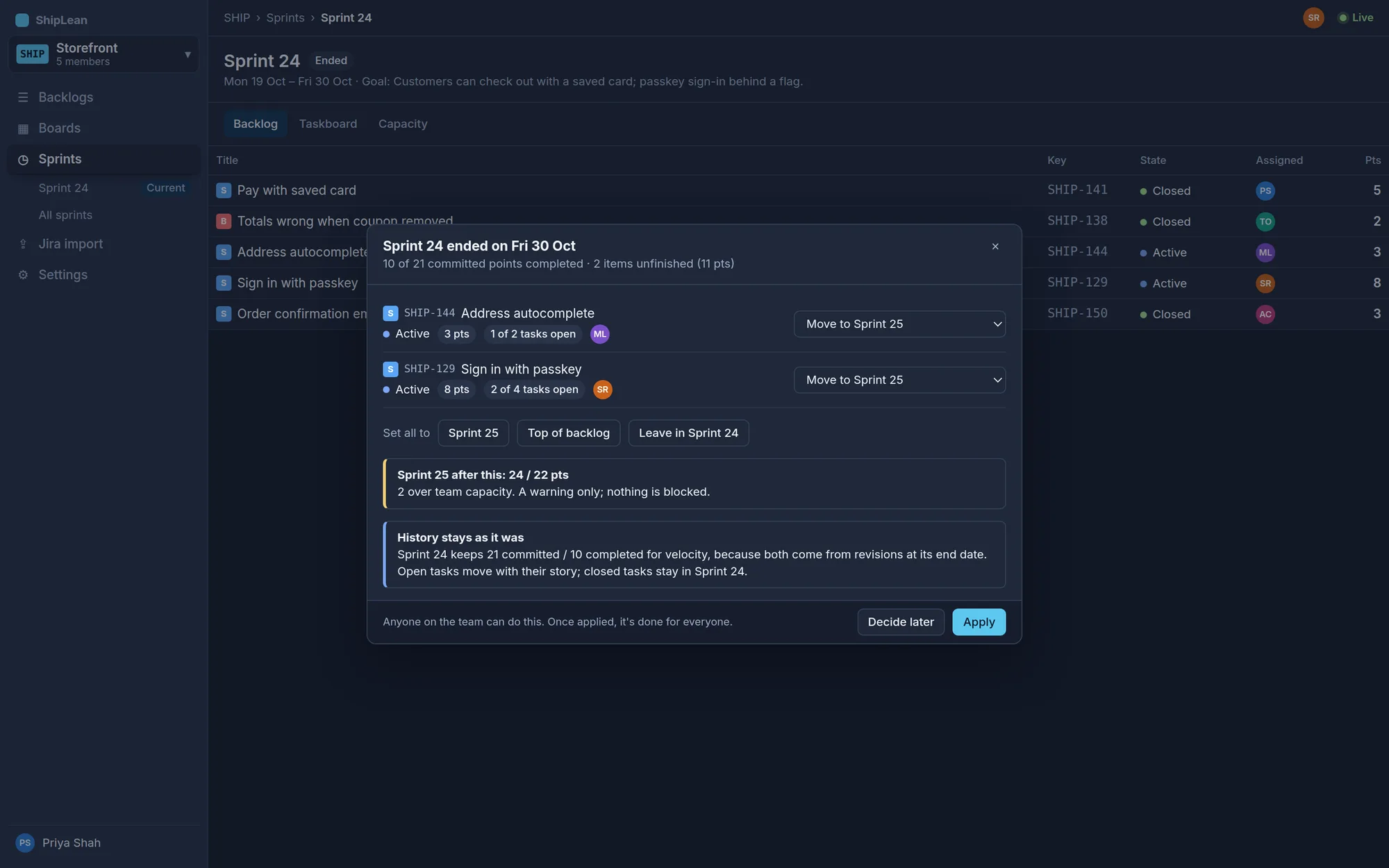
Roll over in one decision.
Unfinished stories don't quietly stay behind or pile into the next sprint. The first person to open the board after the end date chooses where each one goes, sees what that does to the next sprint, and applies it for everyone.
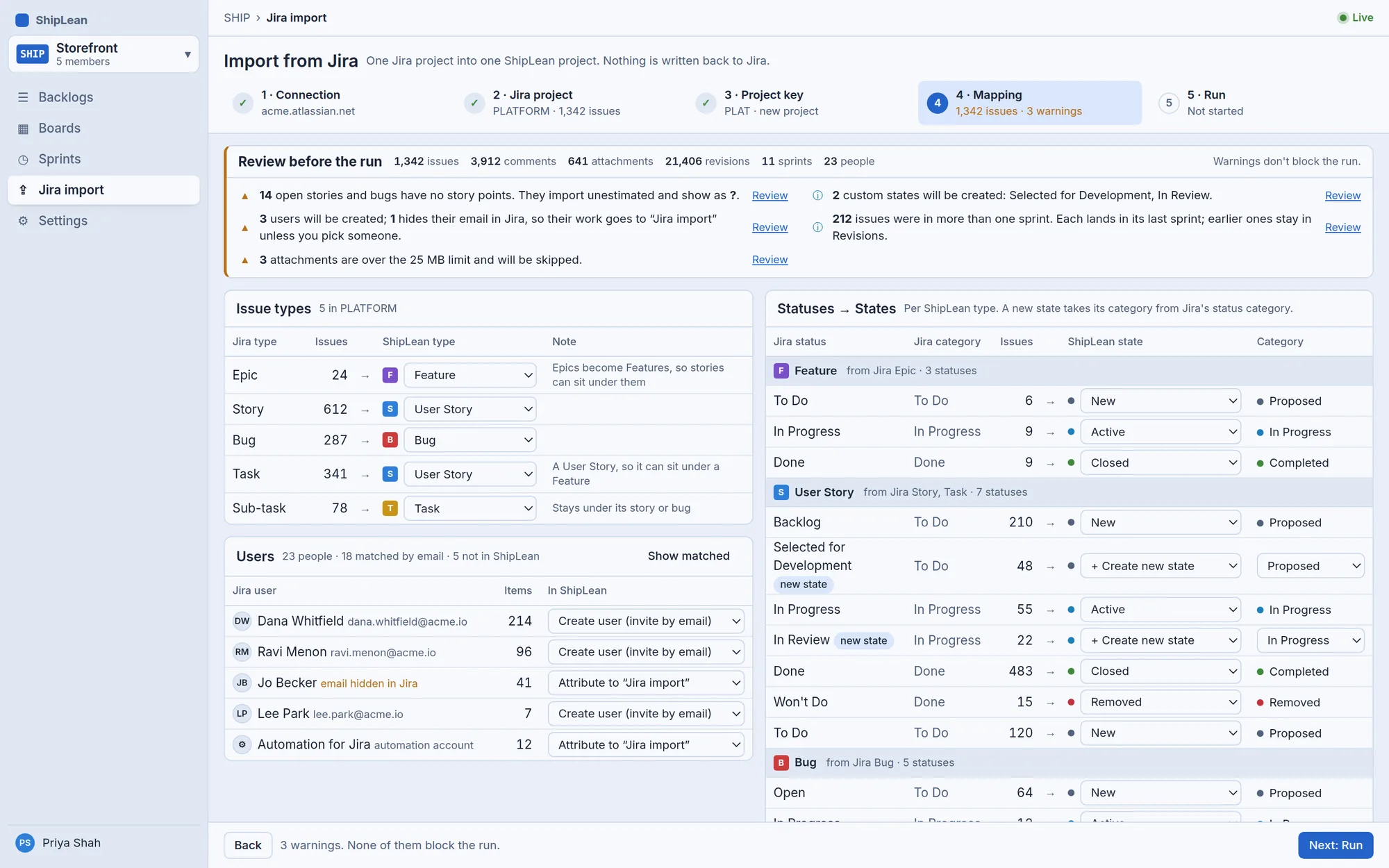
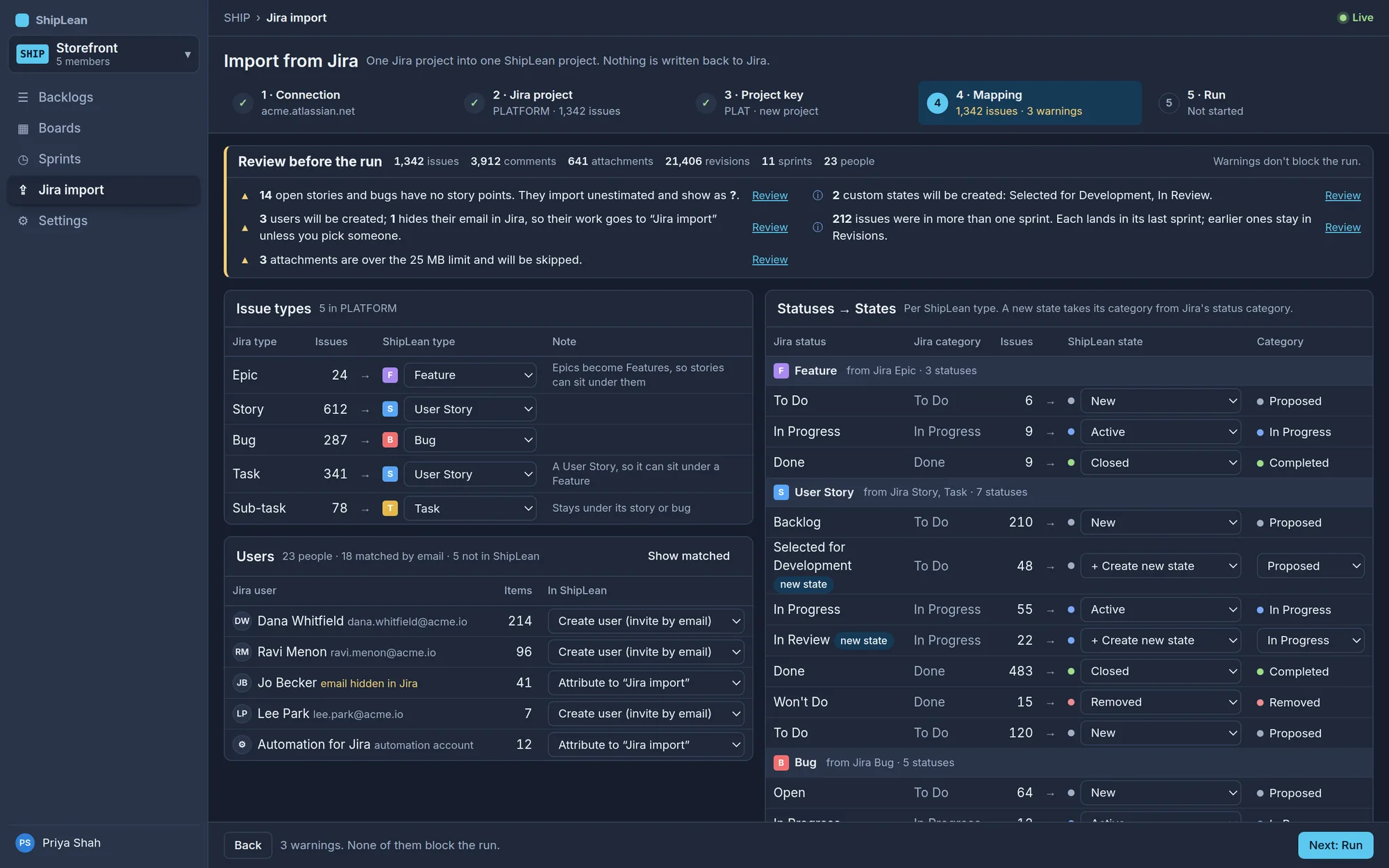
Bring your Jira project with you.
Connect, pick a project and review how its issue types, statuses and people map across before anything is written. Comments, attachments, sprints and the change history come too, and nothing is ever written back to Jira.
Yours to host
One install for every team, on your own server, with a project picker to jump between them.
See who's here
Faces of everyone on the same screen, and their moves animate in place as they happen.
Your own states
Name the states each project needs; colours follow the category, so totals still add up.
Every change kept
Each save is a revision, so burndown, velocity and history read from what really happened.
Built in the open.
Coming soon.
ShipLean will be free and open source. Every screen is designed and version 1 is being built now. Follow the project on GitHub to watch it take shape and to hear first when it's ready to install.
- DesignDoneEvery v1 screen, light and dark
- Version 1BuildingBacklogs, boards, sprints, the taskboard, work items, settings and Jira import
- Open source releaseFree to download and host yourself
- LaterRoadmaps and delivery plans across teams